01
Add the real options
Give the AI approved details about spaces, event types, services, policies, and the questions your team needs answered.
Hospitality & booking enquiries
Create a website AI from the spaces, experiences, policies, and enquiry rules your hospitality business actually provides. It can explain documented options and gather the context your team needs for a thoughtful follow-up.
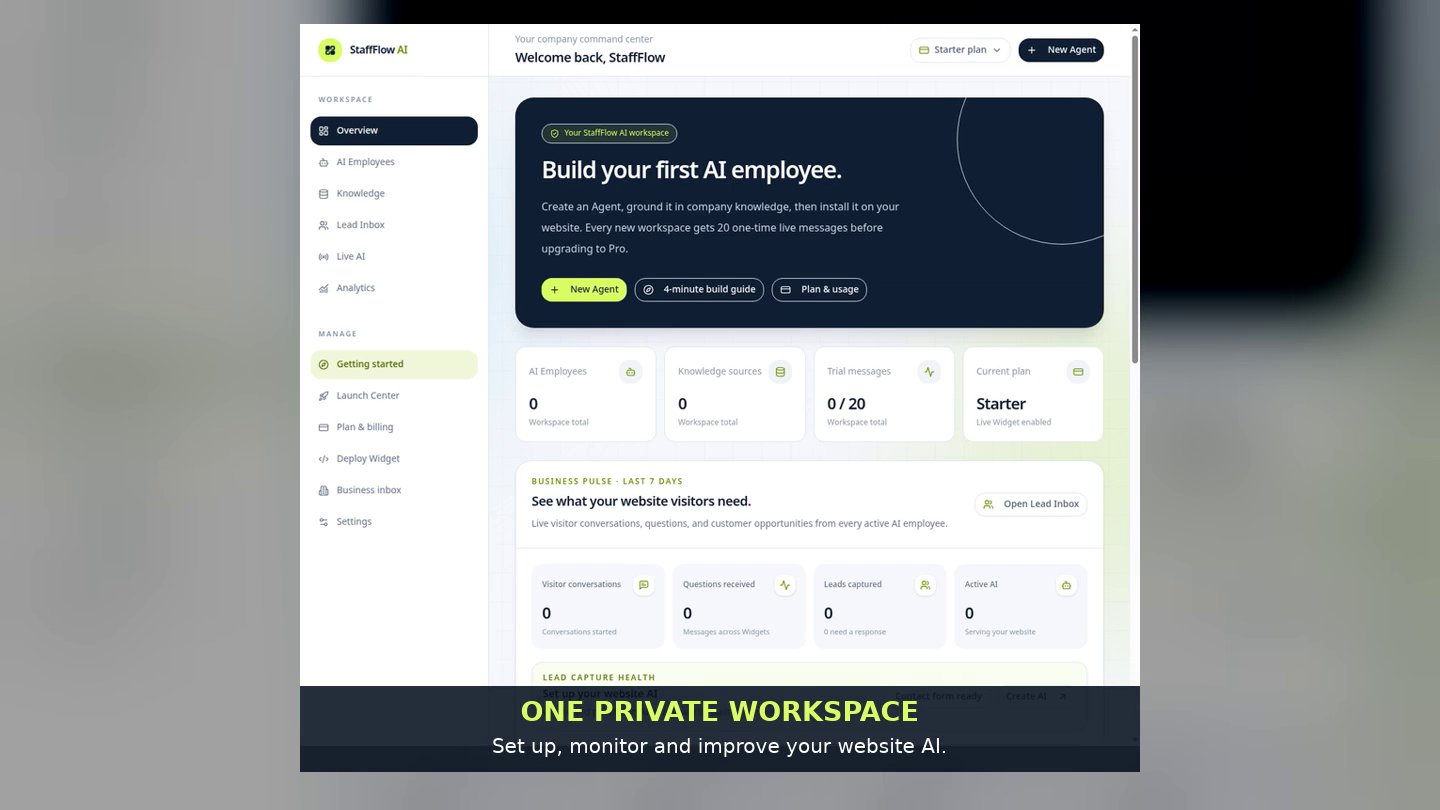
A careful booking-enquiry flow
A hospitality website AI can help a visitor understand the types of spaces, experiences, or events you offer and explain what to include in an enquiry. It should never promise a date, rate, capacity, or booking confirmation without an approved source and human confirmation.
Give the AI approved details about spaces, event types, services, policies, and the questions your team needs answered.
Tell it to gather dates, group size, and requirements without claiming that a slot, rate, or package is confirmed.
When a visitor chooses to share details, review their request in Lead Inbox and let your team make the final decision.
A useful first step
StaffFlow can make an initial conversation clearer for a visitor and your team. It is not a live reservation engine. Your business remains responsible for availability, rates, contracts, payments, and confirmations.
Questions, answered honestly
No. Use it to explain approved information and prepare an enquiry. A team member should confirm availability and any commercial detail.
You can configure language choices for the audiences you serve, then test the final instructions before publishing.
No. The Website Widget is for the first conversation and follow-up request; it does not make reservations or take payments.
Yes. The public hospitality demo uses fictional information and shows the same Website AI, Widget, and Lead Capture product path.
Start with a working example
Open a free workspace, choose a hospitality template, add your approved business information, preview the conversation, and publish the Widget when ready.
Create your AI