01
Add real service context
Write your business profile, services, coverage areas, FAQs, and the details your team needs before providing a quote.
Service business lead capture
Create a website AI from the services, FAQs, service areas, and rules your business actually provides. It can answer documented questions and help a visitor prepare a clear follow-up request for your team.
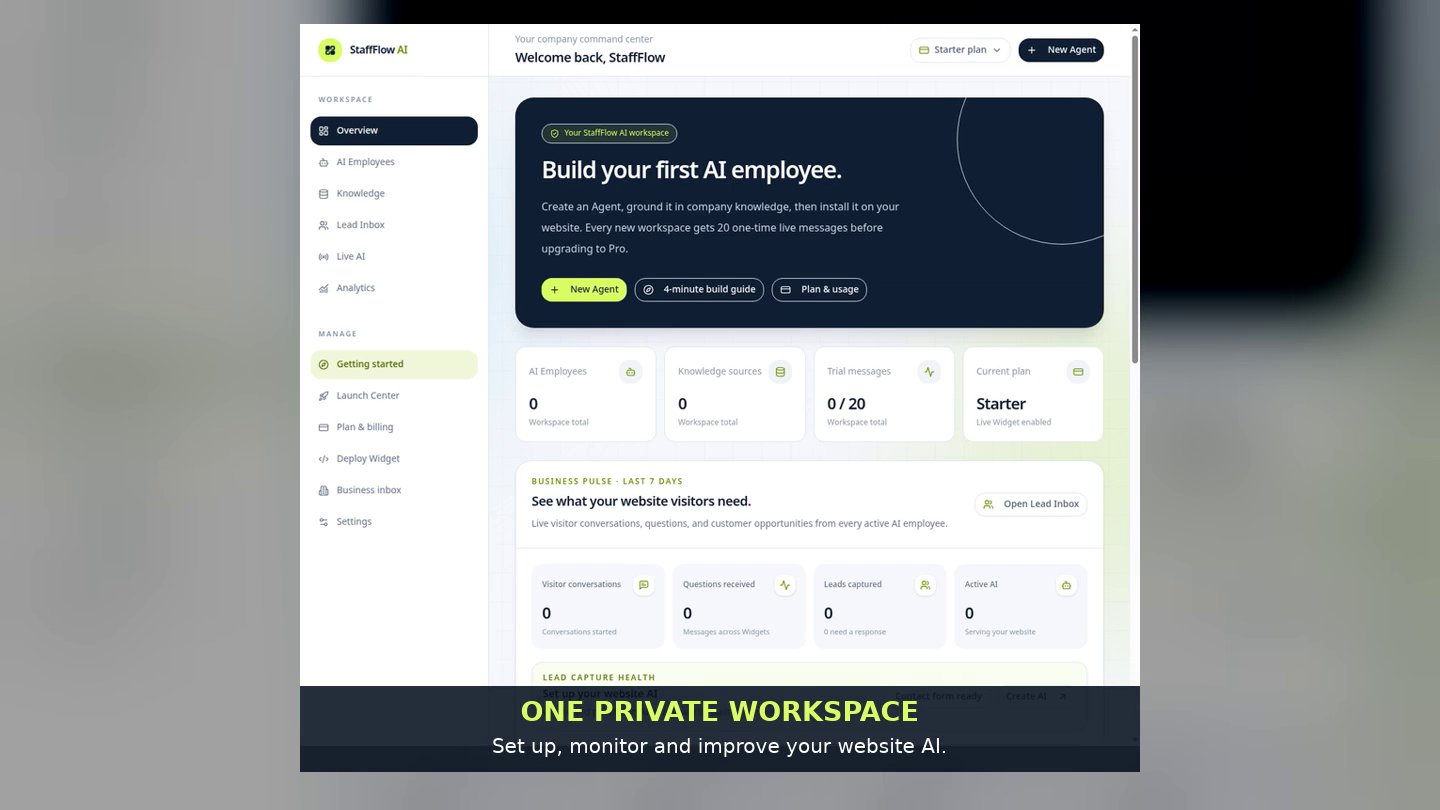
A practical quote-enquiry path
Service visitors often need to understand what you do, what information is needed, and how to request a follow-up. StaffFlow helps set up that first conversation without asking the AI to invent an exact quote, availability, or outcome.
Write your business profile, services, coverage areas, FAQs, and the details your team needs before providing a quote.
Tell the AI to request a human follow-up whenever pricing, scheduling, or a technical decision needs confirmation.
When a visitor chooses to share contact details, review the context in your private Lead Inbox and decide the next step.
A realistic use case
A website AI can make it easier for a visitor to ask a first question and send useful context. It does not guarantee leads, bookings, or revenue. Results depend on the traffic you receive, the quality of your business information, and how your team follows up.
Questions, answered honestly
Only if your business has documented an exact approved price for that case. For most custom services, a careful setup should collect context and request a human follow-up.
No. Build the AI in StaffFlow, test it, then add the Website Widget to a domain you approve.
A visitor chooses whether to share contact details. Chosen requests appear in your private Lead Inbox for your team.
Yes. The public service demo uses a fictional business and shows the same product path without creating a real customer request.
Start with a working example
Open a free workspace, choose a service template, make it specific to your business, preview it, and publish the Widget when you are ready.
Create your AI