01
Choose a support role
Start with a Customer Support template or create a role that reflects the type of questions your team receives.
Multilingual customer support AI
StaffFlow lets businesses create a website support AI from their own information, configure the languages and rules that fit their audience, and keep follow-up requests in a private workspace.
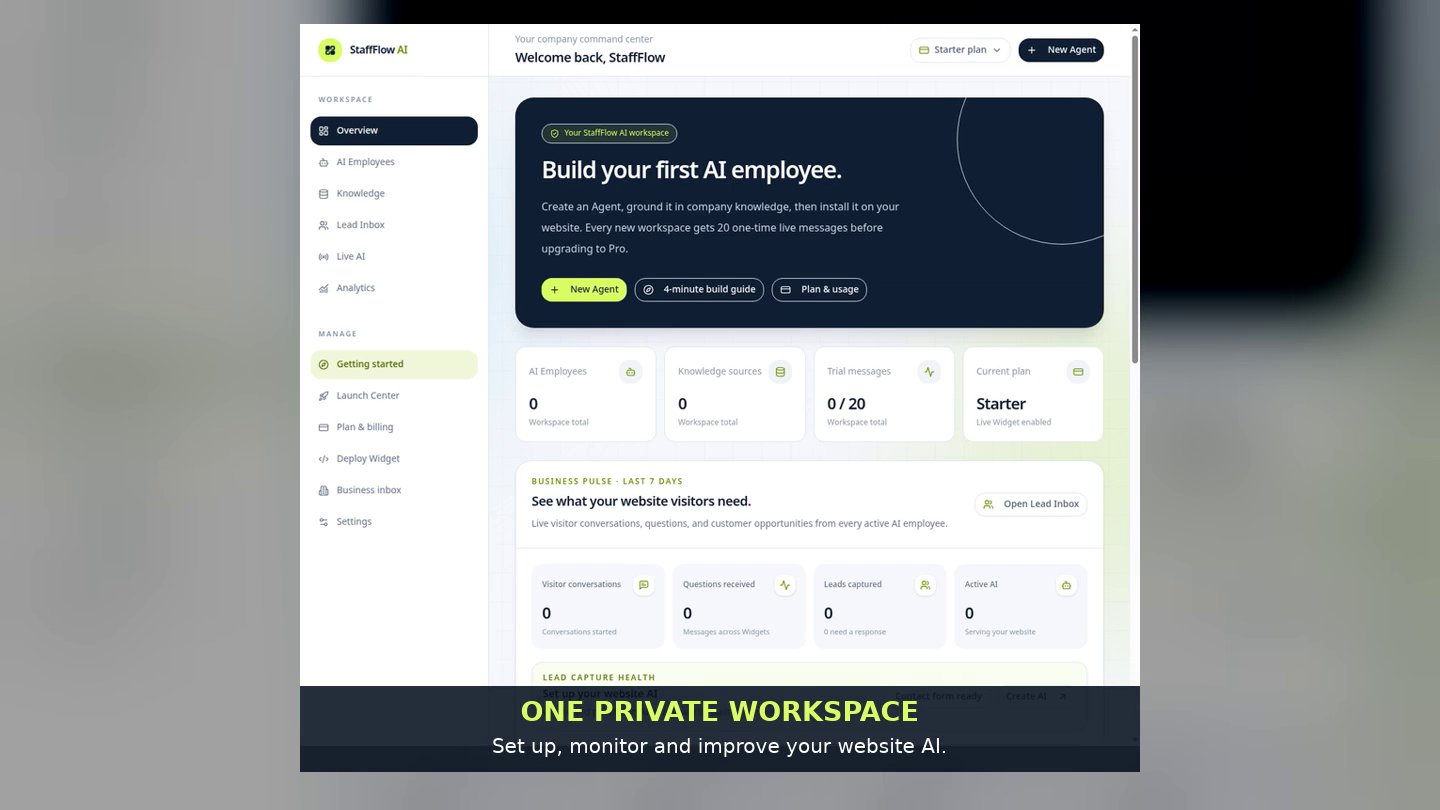
Built for a careful hand-off
A multilingual website experience is more useful when it remains grounded in the business’s real information. StaffFlow gives the business a clear path to define the assistant before it appears to visitors.
Start with a Customer Support template or create a role that reflects the type of questions your team receives.
Set the language choices for your audiences, add business knowledge, and tell the AI what it should not guess or promise.
Add the Widget to approved website domains, then review visitor requests in Lead Inbox when a human response is needed.
Support with boundaries
The AI can welcome visitors, explain documented services, answer common questions, guide basic troubleshooting, and collect useful context before escalating to your team.
Questions, answered honestly
Yes. StaffFlow lets you configure language choices for the audiences you want to serve. The business remains responsible for reviewing its final instructions and knowledge.
No. It is designed for a helpful first response and for collecting clear context before a human follow-up when needed.
It can explain what you document in its knowledge and instructions. For missing, changing, or unapproved details, a careful setup should direct the visitor to a human follow-up.
No. It provides an immediate website response and a structured request path. Results depend on your website traffic, the accuracy of your information, and your team’s follow-up.
Start with a live example
Choose a ready-made support role, make it specific to your business, preview the conversation, and publish the Widget only when it is ready for visitors.
Create your AI